

Download Tune Me APK – Audio App, Pitch Shifting, Vocal Tuning, Music Creation, Beat Generator
Overview
Tune Me is a multimedia audio application developed by B-Side Studios, designed to assist musicians in refining their vocal and instrumental pitch through advanced pitch-shifting techniques. The software enables real-time analysis and correction of vocal intonation, helping users achieve precise tuning without extensive manual editing. Its core purpose is to streamline the process of vocal refinement, making it accessible to both amateur creators and experienced artists. By leveraging sound recognition and algorithmic processing, Tune Me identifies pitch deviations and adjusts them to align with a target tone, enhancing the overall quality of recorded performances.
The app is particularly useful for users who seek immediate improvements in vocal clarity and pitch accuracy during live or recorded sessions. It supports real-time synchronization between the original audio signal and the auto-tuned output, ensuring that timing and pitch remain perfectly aligned. This functionality makes it suitable for use in music production, vocal practice, live performance, and content creation. The software is available for Android devices and can be downloaded at no cost, with optional subscription access to premium features. While the developer has not provided additional details about the target user base beyond musicians and music creators, the app’s design suggests a focus on creative individuals seeking intuitive tools for vocal enhancement.
Key Features & Capabilities
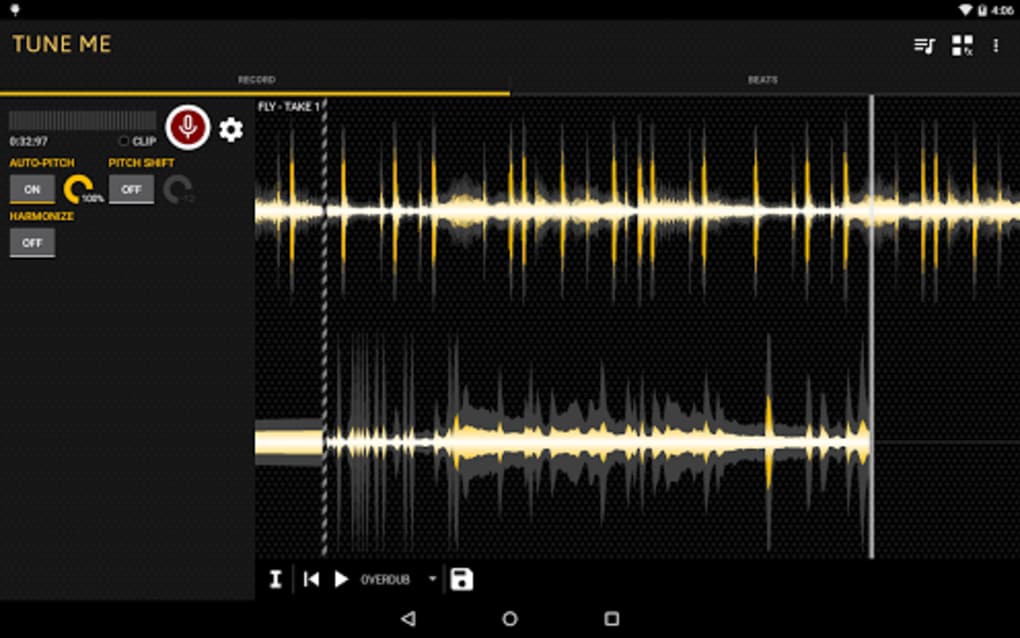
- Real-Time Pitch Analysis: The software processes incoming audio signals in real time, identifying pitch inaccuracies and adjusting them dynamically to match a desired tonal target.
- Auto-Tuning Functionality: Utilizes pitch-shifting algorithms to correct out-of-tune notes, allowing users to refine vocal or instrumental performances instantly.
- Dynamic Pitch Shifting: Enables users to modify pitch up or down, including octave adjustments, to match the key of a musical piece or explore creative tonal variations.
- Harmonization Effects: Adds layered vocal harmonies to enhance the richness and depth of a vocal track, improving overall blend and texture.
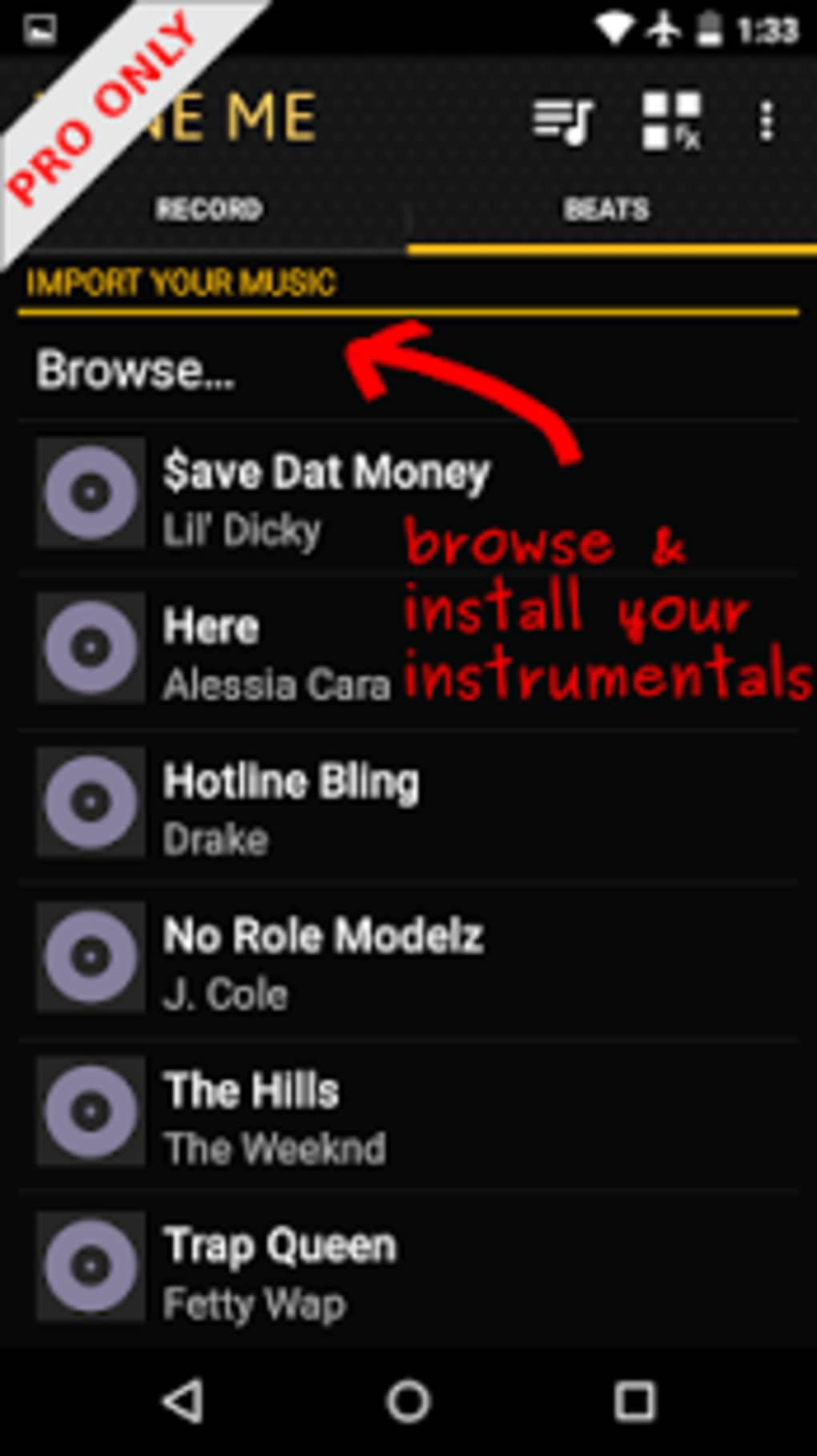
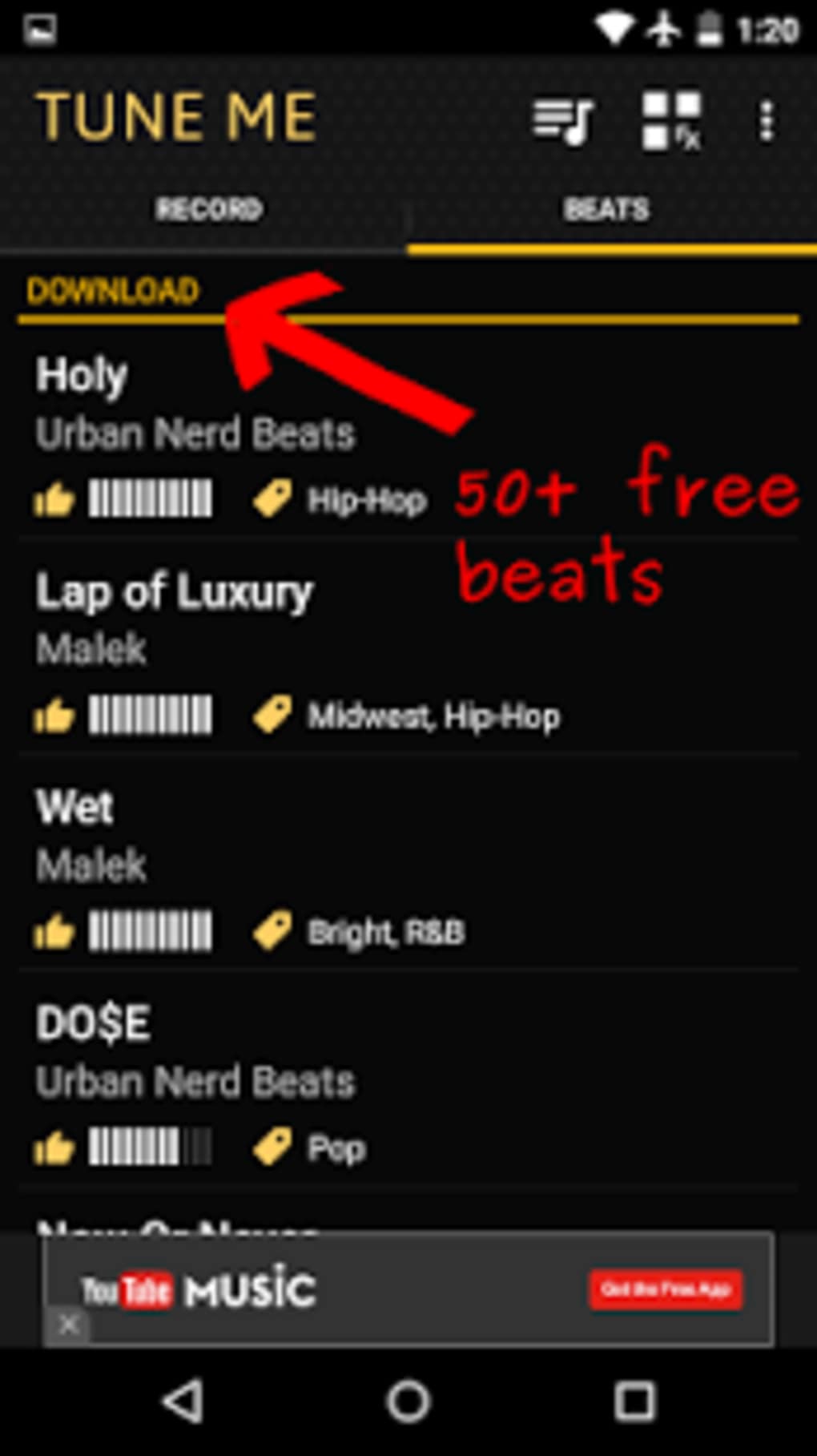
- Beat Integration: Offers access to over 500 pre-generated beats and rhythms across various genres, enabling users to build tracks quickly and efficiently.
- Multitrack Recording: Supports simultaneous recording of multiple audio layers, allowing for complex arrangements and the ability to correct or re-record individual parts.
- Calibration System: Helps synchronize vocal input with a beat or tempo, ensuring that pitch and timing align for a well-structured melody.
These capabilities are especially beneficial in studio environments, live vocal performances, or personal practice sessions where pitch accuracy is crucial. The integration of real-time processing and beat templates allows users to experiment with music creation without requiring advanced technical knowledge. While the app’s vocal effects may produce a synthetic quality in some cases, this can be adjusted based on user preference. The combination of tuning, harmony, and beat generation positions Tune Me as a versatile tool for modern music production.
User Interface, Workflow & Performance
The user interface of Tune Me appears to be designed with simplicity and functionality in mind, prioritizing ease of access to core audio processing tools. Navigation is likely structured around intuitive controls for pitch adjustment, real-time monitoring, and beat selection. Users can expect a streamlined workflow that guides them from audio input to final output with minimal steps, enhancing productivity during creative sessions.
Performance characteristics are not explicitly detailed by the developer. However, based on general behavior of real-time audio processing applications, the software is expected to operate efficiently under normal usage conditions. The developer did not specify resource usage details, such as CPU or RAM consumption.
Stability and responsiveness may vary depending on the device’s hardware and Android version. Real-time audio processing requires consistent performance, and any lag or dropouts could affect the user experience. The app’s ability to maintain synchronization between input and output suggests optimized handling of audio streams, though exact performance benchmarks were not provided.
Compatibility & System Requirements
Tune Me is available for Android devices, with no additional operating system specifications provided. The application is distributed as an APK file, indicating it is intended for direct installation on Android platforms. The developer did not list exact system requirements, including minimum RAM, processor speed, or storage space needed for installation and operation. Compatibility information is limited to the Android platform, with no mention of iOS or desktop support.
Installation size and version details were not specified. Users should ensure their device meets general Android compatibility standards for multimedia applications. The absence of detailed technical specifications means that performance and functionality may vary across different devices. The developer did not provide information on supported Android versions or hardware requirements.
Pros and Cons
Pros
- Real-time pitch correction enhances vocal and instrumental accuracy
- Intuitive interface designed for both beginners and professionals
- Access to over 500 free beats and rhythms for music creation
- Supports multitrack recording for layered audio production
- Offers pitch shifting and harmonization for creative vocal effects
- Free to download with optional subscription for premium features
Cons
- Some vocal effects may sound artificial or overly processed
- Limited information on system requirements and performance
- Android-only availability; no support for iOS or desktop platforms
- Real-time processing may be affected by device performance
- Developer did not provide details on update frequency or long-term support
FAQ Section
Is Tune Me available for iOS devices?
The software is currently available only for Android devices. No information was provided regarding iOS compatibility.
Can I use Tune Me without an internet connection?
Yes, the app functions offline. Core features such as pitch correction, beat playback, and recording do not require an active internet connection.
Does Tune Me require a subscription to use?
No, Tune Me is free to download and use. However, a subscription model is available to unlock additional premium features.
Are the beats and rhythms included in the app royalty-free?
Yes, the pre-generated beats and rhythms can be used in personal and commercial projects without additional licensing fees.
How often are updates released for Tune Me?
The developer did not specify the update frequency. Users should check the app store or official website for the latest version.
Final Thoughts + CTA
Tune Me stands out as a practical and accessible tool for musicians seeking to enhance their vocal and instrumental performances through automated pitch correction. Its blend of real-time tuning, harmonization, multitrack recording, and beat integration offers a comprehensive solution for music creation on Android. While the app’s interface and workflow appear user-friendly, the lack of detailed system requirements and performance data may pose challenges for users with older or lower-end devices. Nonetheless, its free availability and robust feature set make it a compelling choice for both emerging artists and seasoned producers.
For anyone looking to refine their sound quickly and creatively, Tune Me delivers on its promise of professional-grade audio processing without the steep learning curve. Whether used for practice, live performance, or studio production, the app provides a balanced mix of functionality and accessibility.
Download Tune Me now






.png)
